Automated Proposal Follow-Ups: Never Let a Deal Go Cold
Published
Focusautomated proposal follow-ups
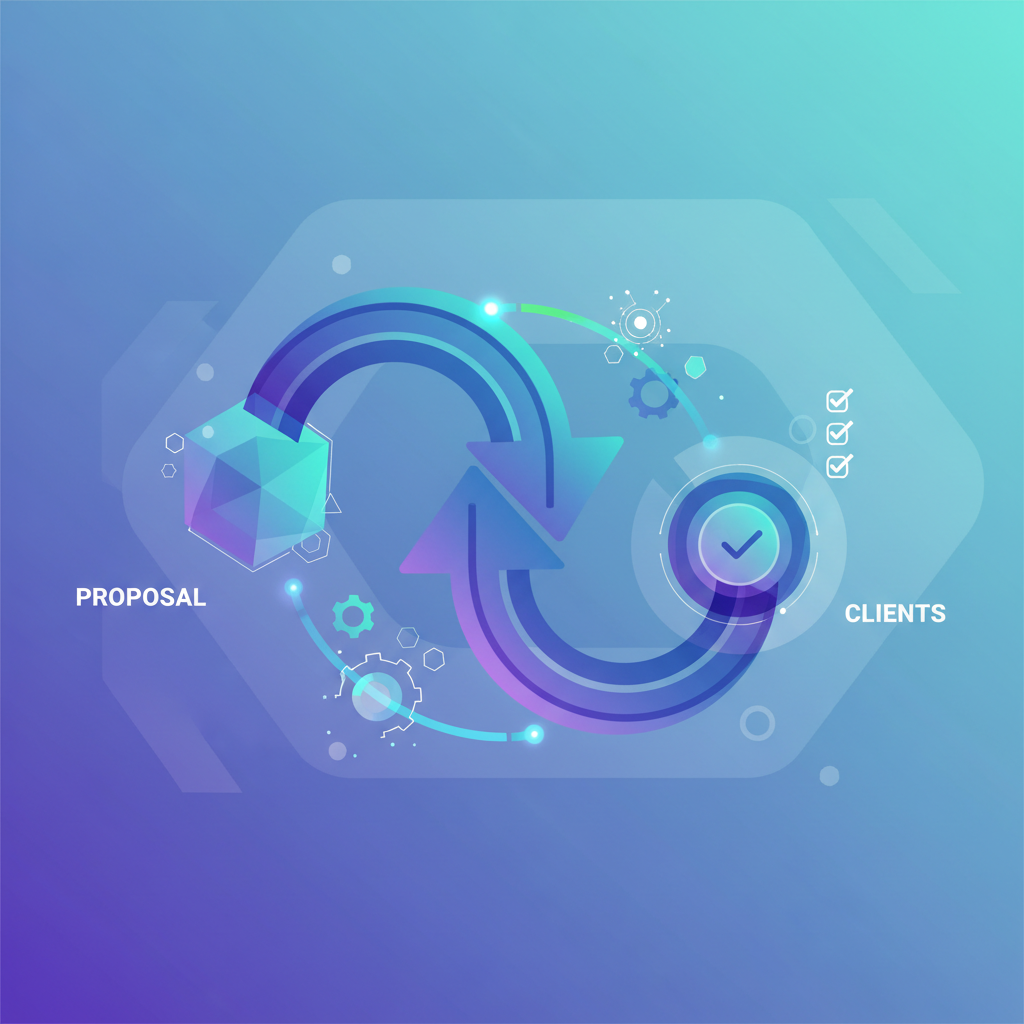
Sending a proposal is just the beginning. The real challenge? Following up consistently without being pushy—or forgetting entirely.
Automated proposal follow-ups ensure every prospect receives timely, personalized touchpoints while your sales team focuses on closing. Here's how to build a follow-up system that works around the clock.
## Step 1: Trigger Follow-Up Sequences When Proposals Are Sent
Your automation starts the moment a proposal leaves your inbox. Connect your proposal tool to your CRM to automatically enroll prospects into follow-up workflows.
Use [PandaDoc](https://www.pandadoc.com) or [Proposify](https://www.proposify.com) integrated with [HubSpot](https://www.hubspot.com) to trigger enrollment when a proposal status changes to "Sent." This eliminates manual tracking and ensures no deal slips through. If you're still building proposals manually, check out our [Automated Sales Proposals Playbook](https://removers.pro/playbooks/automated-sales-proposals-playbook-close-deals-faster-with-s) to streamline that process first.
[Zapier](https://zapier.com) or [Make](https://www.make.com) can bridge tools that don't natively integrate, pushing proposal data into your CRM automatically.
## Step 2: Build Multi-Touch Follow-Up Sequences
A single follow-up email isn't enough. Design a sequence that combines email, LinkedIn, and phone touchpoints over 10-14 days.
In [HubSpot Workflows](https://www.hubspot.com/products/sales/sales-automation), create a sequence with:
- **Day 1:** Confirmation email with proposal link
- **Day 3:** Value-add email addressing common objections
- **Day 7:** LinkedIn connection or message via [Expandi](https://expandi.io)
- **Day 10:** Final check-in with deadline mention
For more on crafting effective outreach, see our guide on [Sales Outreach Strategies](https://removers.pro/playbooks/sales-outreach-strategies-a-4-step-playbook-for-b2b-success). You can also scale your LinkedIn touchpoints with [Personalized LinkedIn Connection Requests at Scale](https://removers.pro/playbooks/personalized-linkedin-connection-requests).
Use [n8n](https://n8n.io) to orchestrate complex multi-channel sequences with conditional logic based on prospect behavior.
## Step 3: Track Engagement and Alert Your Team Instantly
Knowing when a prospect opens your proposal is gold. Set up real-time alerts so reps can strike while interest is hot.
[PandaDoc](https://www.pandadoc.com) tracks document views and time spent on each section. Connect this to [Slack](https://slack.com) via [Zapier](https://zapier.com) to ping your sales channel immediately: "*John Smith just viewed your proposal for the third time—call now!*"
These automated Slack alerts mean faster response times and higher close rates. Pair this with insights from [Automated Prospect Research](https://removers.pro/playbooks/automated-prospect-research-build-enriched-lead-lists-in-min) to personalize your follow-up calls.
## Step 4: Automate Exit Triggers and Pipeline Updates
Your sequence should stop automatically when prospects take action. Configure exit triggers to prevent awkward over-communication.
In HubSpot, set sequences to end when:
- Proposal status changes to "Signed" or "Declined"
- Prospect replies to any email
- Deal stage advances in your pipeline
Use [Salesforce](https://www.salesforce.com) or HubSpot to automatically update deal stages based on proposal engagement, keeping your pipeline accurate without manual input. This connects directly to [Automated Pipeline Acceleration](https://removers.pro/playbooks/automated-pipeline-acceleration-playbook-close-deals-faster) strategies for faster deal velocity.
## Ready to Automate?
Automated proposal follow-ups recover deals you'd otherwise lose to silence. At [automation services](https://removers.pro/services), we build custom follow-up systems that integrate your proposal tools, CRM, and team communication—so you close more without chasing more.
[contact our team](https://removers.pro/contact) to see how we can automate your sales proposal workflow.
---
## Frequently Asked Questions
### How many follow-up emails should I send after a proposal?
Most successful sequences include 4-6 touchpoints over 10-14 days, mixing email with LinkedIn and phone outreach. Stop immediately when the prospect responds or signs.
### Can I automate follow-ups without a CRM?
Yes, tools like Zapier and Make can connect proposal software directly to email platforms like Mailchimp or ActiveCampaign, though a CRM provides better tracking and pipeline visibility.
### What's the best way to personalize automated follow-ups?
Use merge fields for names and company details, reference specific proposal sections, and segment sequences based on deal size or industry for relevant messaging.
automated proposal follow-upssales proposal automationfollow-up sequencesHubSpot workflows